Start
Eddy3D is a Grasshopper plugin for Rhino 8 for urban microclimate and airflow simulation. Everything now ships in a single Eddy3D package that bundles several modules:


-
Eddy3D Outdoor
Decoupled microclimate simulations, via wind and mean radiant temperature simulations. Driven by OpenFOAM and Radiance.
-
Eddy3D Outdoor+
Fully coupled microclimate simulations, including wind, radiation, heat, and moisture transfer, driven by
urbanMicroclimateFoamby ETH Zurich Building Physics.
-
Eddy3D Indoor
Modeling airflow, moisture content, and passive scalars in indoor spaces.
Installation
Plugin
Install Eddy3D via the Rhino Package Manager (yak) on either platform — run PackageManager in Rhino and search for Eddy3D.
Simulation Engines (Windows / Mac)
Choose a simulation engine (one of the following):
- Docker or Podman: Download Docker Desktop or download Podman Desktop (Recommended cross-platform — either engine pulls the same pre-configured OpenFOAM 12 image automatically; Auto-detect prefers Podman and falls back to Docker)
- Docker — larger ecosystem, most familiar tooling; Docker Desktop needs a paid subscription for larger companies and runs containers through a privileged background daemon.
- Podman — free, open-source, no licensing restrictions; daemonless and rootless by default, which keeps the attack surface smaller on shared or locked-down machines.
- BlueCFD-Core 2024 (Windows Only): Download blueCFD-Core. Install into a folder without spaces in the name (e.g.
C:\blueCFD-Core\2024) — a location likeC:\Program Files\...breaks the OpenFOAM toolchain and the UMF solver can never be built or found. - WSL (Windows Only): WSL Installation guide for Windows (Requires
urbanMicroclimateFoamto be installed manually)
The MRT component uses Radiance. The Install Engines component downloads and installs it automatically (Windows & Mac, release rad6R0P2) under the per-user Eddy3D folder — no manual install needed.
Anonymous Usage Analytics
Eddy3D is free for all users. To keep it that way, the plugin collects anonymous usage statistics: which components are used, which simulation engine runs, the Rhino and plugin versions, a salted one-way hash of the machine name (not reversible to any person), and the network organization (e.g. a university name). These numbers demonstrate real-world usage to research funders and guide development priorities. No geometry, file names, project content, or personal data are ever sent.
Requirements
| Module | Overview | Core engine | Package | Rhino (ver) | OS support | OpenFOAM (ver) | Radiance (ver) |
|---|---|---|---|---|---|---|---|
| Outdoor | Decoupled wind + mean radiant temp | OpenFOAM; Radiance | Eddy3D | 8.27 | Windows / Mac | 12 (Foundation) | Auto (rad6R0P2) |
| Outdoor+ | Fully coupled (wind, radiation, heat, moisture) | OpenFOAM | Eddy3D | 8.27 | Windows / Mac | 12 (Foundation) | — |
| Indoor | Airflow, moisture, passive scalars (indoor) | OpenFOAM | Eddy3D | 8.27 | Windows / Mac | 12 (Foundation) | - |
Downloads
Install Eddy3D from the Rhino Package Manager (run PackageManager in Rhino 8 and search for Eddy3D). For the current version and release notes, see the Eddy3D download page.
Previous Versions
View the required Rhino 8.27 build details (8.27.26019.16022, en-us).
One package
All modules — Outdoor, Outdoor+, Indoor, MRT, and FluidX3D — now ship in the single Eddy3D package on the Rhino Package Manager (yak). The former separate UMCF package (Outdoor+) has been retired.
Getting Started
Start from a template
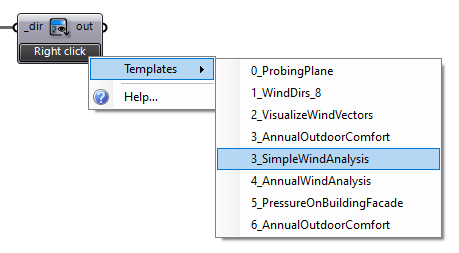
Eddy3D ships with starter templates for every module. Right-click the Template component in Grasshopper to browse and load one, then follow the numbered markers through the canvas.
Modules
Outdoor — Wind & MRT
Decoupled microclimate simulations via wind (OpenFOAM) and mean radiant temperature (Radiance).
Parallel computation
There is currently an issue with Microsoft’s and BlueCFD’s MPI dll which is why a run with multiple CPUs might fail. You need both dlls to be the same file, see the CFD Online instructions for matching MPI DLL files to ensure that both DLLs are the same file.
Simple workflows
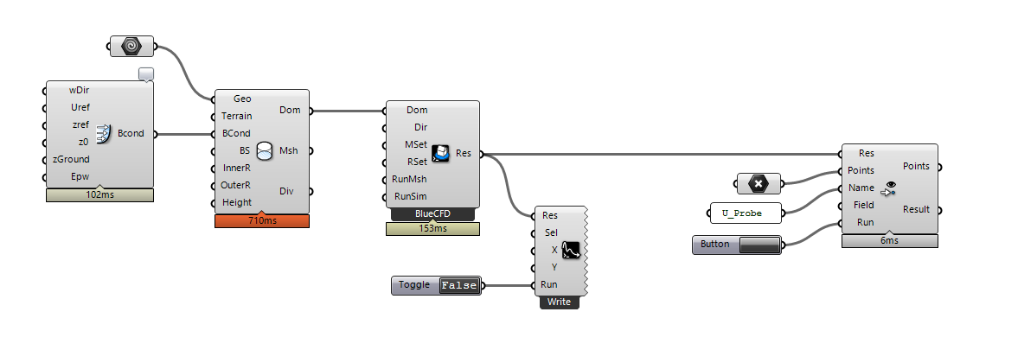
We value efficient workflows! See below for a one-directional urban CFD setup.
Video walkthroughs are on the Video Tutorials page.
Outdoor+ — Coupled microclimate

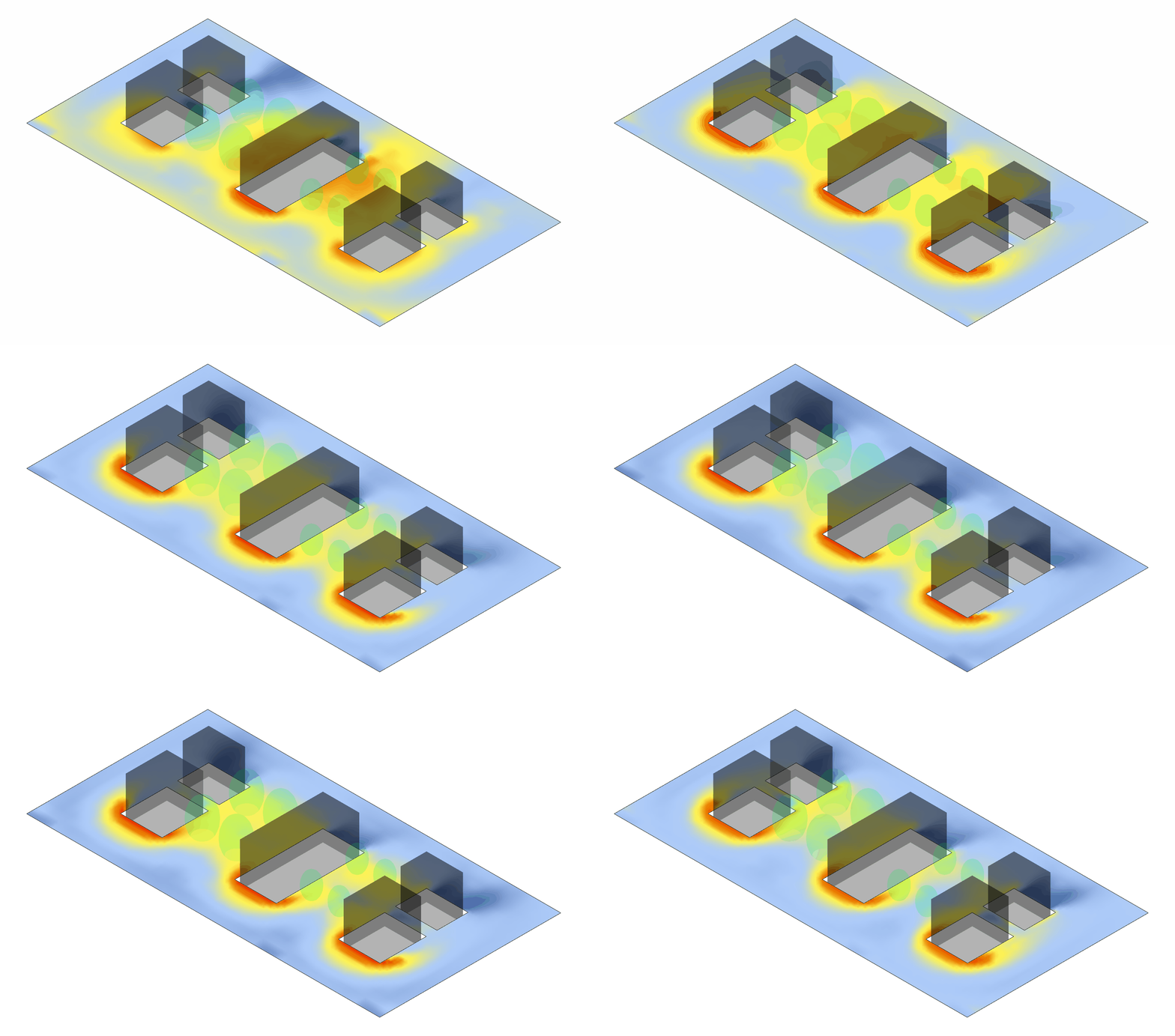
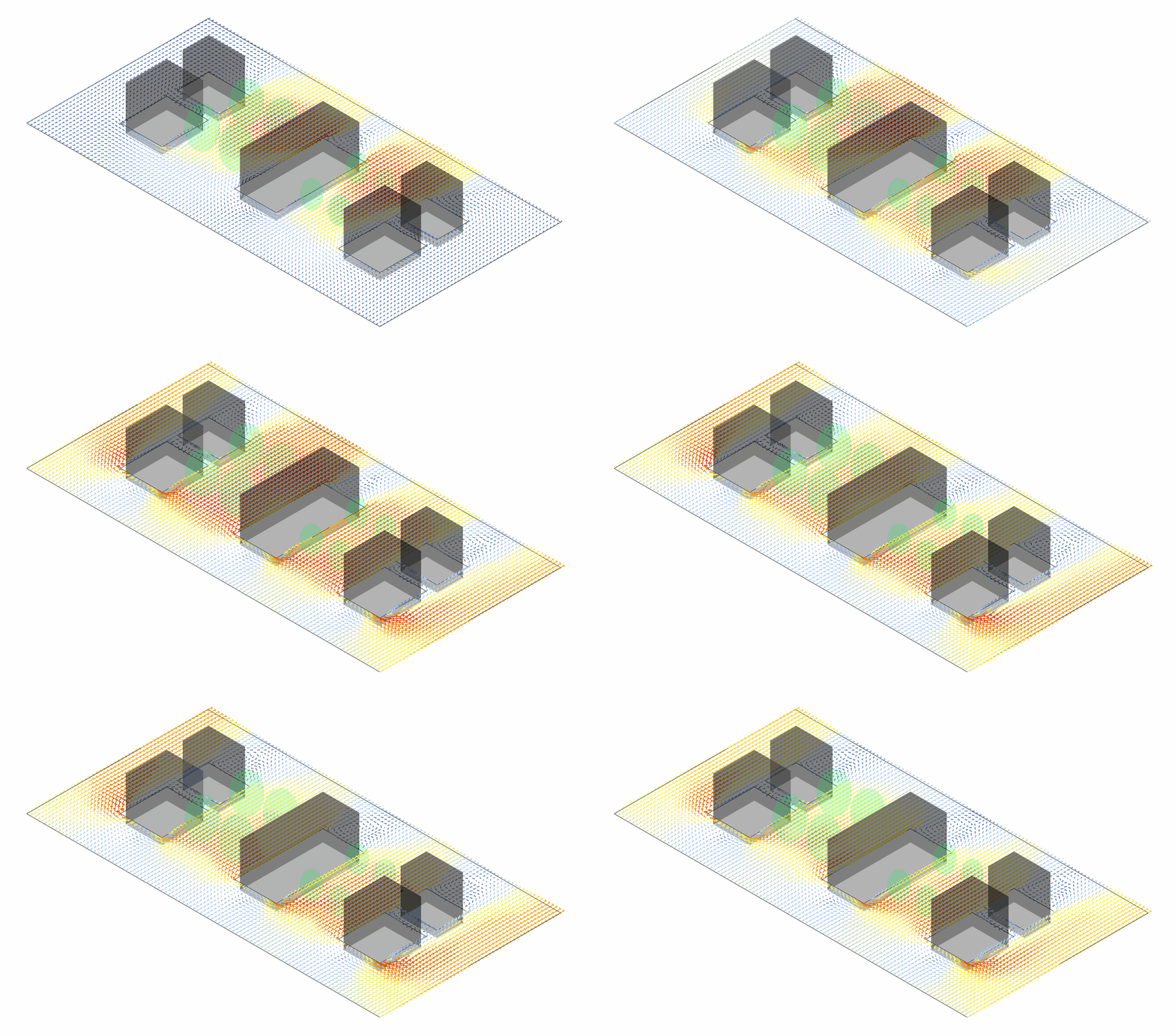
Outdoor+ is the fully coupled microclimate module of the Eddy3D plugin, built on the open-source urbanMicroclimateFoam (UMCF) solver for OpenFOAM.
Key Features
🌊 CFD - Solves turbulent, convective airflow
- Handles heat and moisture transport in the
airsubdomain
🏗️ HAM - Manages absorption and transport
- Controls storage of heat and moisture in porous building materials
☀️ RAD - Calculates net longwave and shortwave radiative heat fluxes
- Uses view factor approach
🌳 VEG - Solves heat balance for urban trees
- Handles green surfaces
Acknowledgments
Outdoor+ is based on the urbanMicroclimateFoam (UMF) open-source solver based on OpenFOAM, developed by the Chair of Building Physics at ETH Zürich the Canada Research Chair Tier I in Multiscale Building Physics at Université de Sherbrooke, Canada.

This project is partially funded by Perkins&Will Research. Their support has been instrumental in advancing this tool.

This project originated from the VIP - Surrogate Models for Urban Regeneration during Fall 2024. Visit the VIP - Surrogate Models for Urban Regeneration documentation for more details and view the final presentation.
Indoor — Airflow
Modeling airflow, moisture content, and passive scalars in indoor spaces.
See the Video Tutorials page for the Indoor Wind & COVID-19 walkthrough.